Solar charger battery capacity tells you how much energy a battery can store, usually in watt-hours (Wh). To choose a useful size, add up the watt-hours your devices need between recharges, then allow room for conversion losses and uncertain weather. Also check output watts: a large battery still cannot run an appliance that exceeds its inverter’s power limit.
For example, a 60W device used for five hours needs about 300Wh at the device. A 300Wh nameplate battery would be too close to the edge for that AC load because the inverter and battery use some energy too. This guide shows how to make a better estimate before shopping.
What do Wh, W, and Ah mean?
| Number on the label | What it tells you | Use it for |
|---|---|---|
| Wh (watt-hours) | Stored energy | Estimating how long loads can run |
| W (watts) | Power used or supplied at a moment | Checking whether the station can run the load |
| Ah or mAh (amp-hours) | Electric charge at a stated voltage | Comparing batteries only after converting to Wh |
Energy needed (Wh) = average watts × hours used. If a lantern averages 10W for six hours, it uses about 60Wh. A device’s peak watts or a power station’s 700W AC rating does not mean it will use 700Wh every hour.
For an Ah rating, multiply Ah by the battery’s nominal voltage to estimate Wh. A label of 20Ah at 12V corresponds to roughly 240Wh nominal; 20Ah at a different voltage is not the same amount of energy. USB banks often advertise mAh at their internal cell voltage, which makes their headline number a poor direct comparison with a station’s Wh label.
How do you calculate battery capacity for your devices?
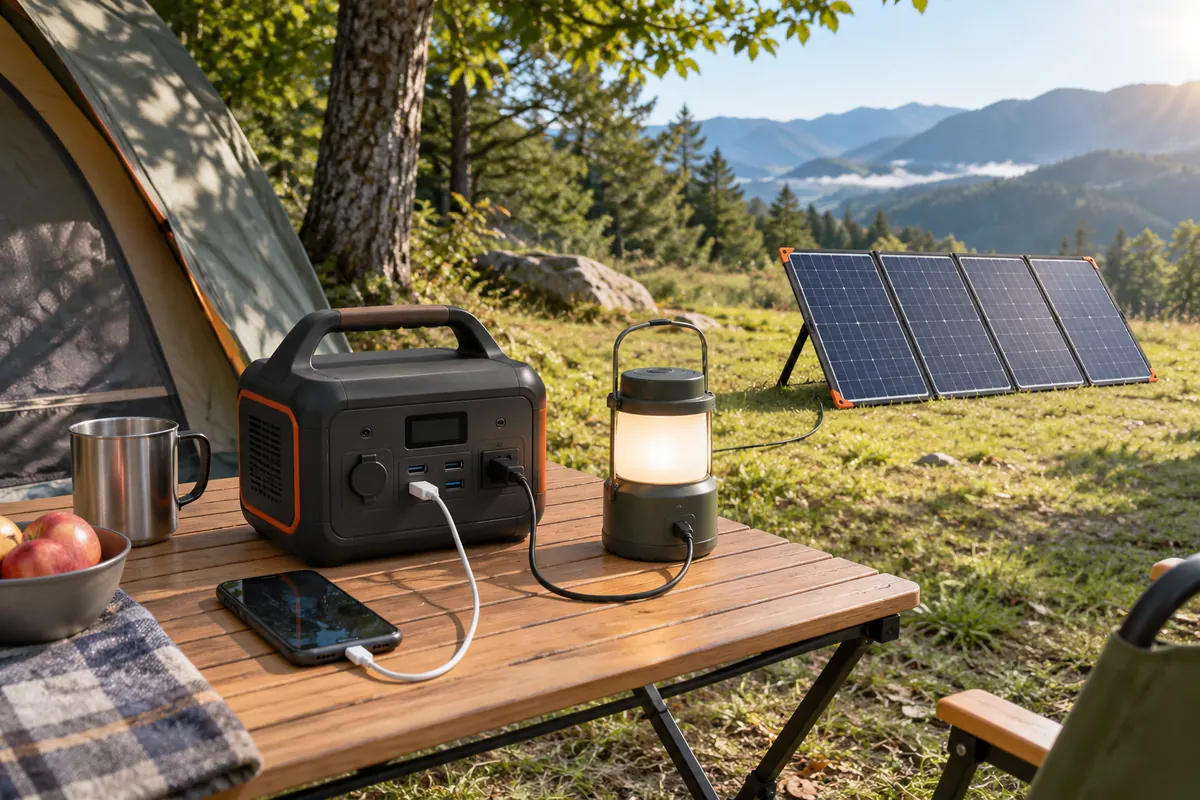
- List only the devices you need between recharges, with their average running watts.
- Multiply each device’s watts by its expected hours of use, then add the Wh totals.
- Check the combined watts of devices that may run at the same time, plus startup surge for motors and compressors.
- Allow a margin for inverter losses, battery limits, temperature, and cloudy-day uncertainty. Test the actual setup before relying on it in an outage.
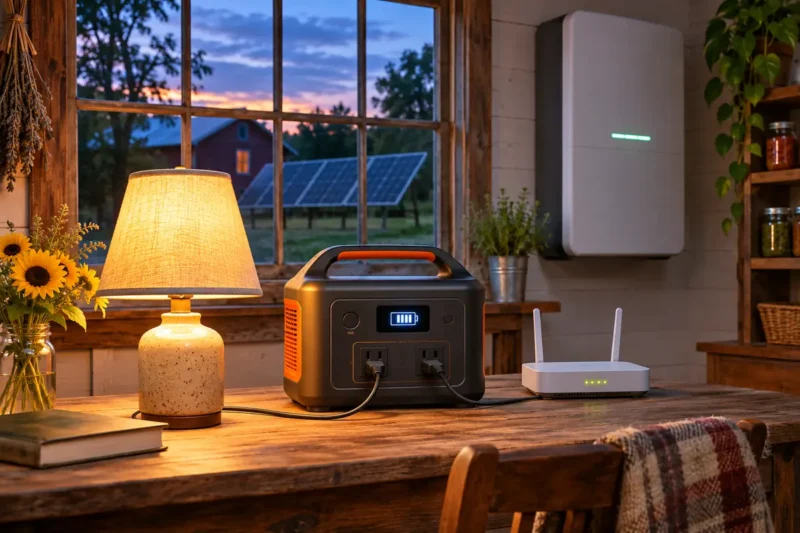
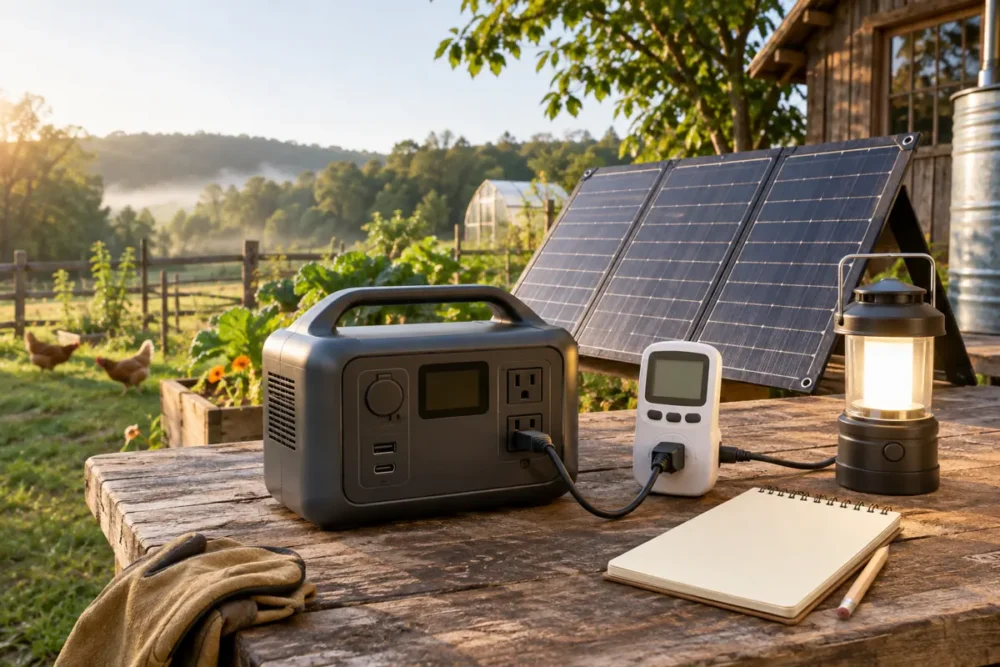
Here’s a simple evening example: an 8W LED light for five hours uses 40Wh, a 15W router for eight hours uses 120Wh, and a 60W laptop charger for two hours uses up to 120Wh while charging. That is 280Wh at the devices before losses. Actual laptop draw varies; a plug-in watt meter or the station’s display can improve the estimate.
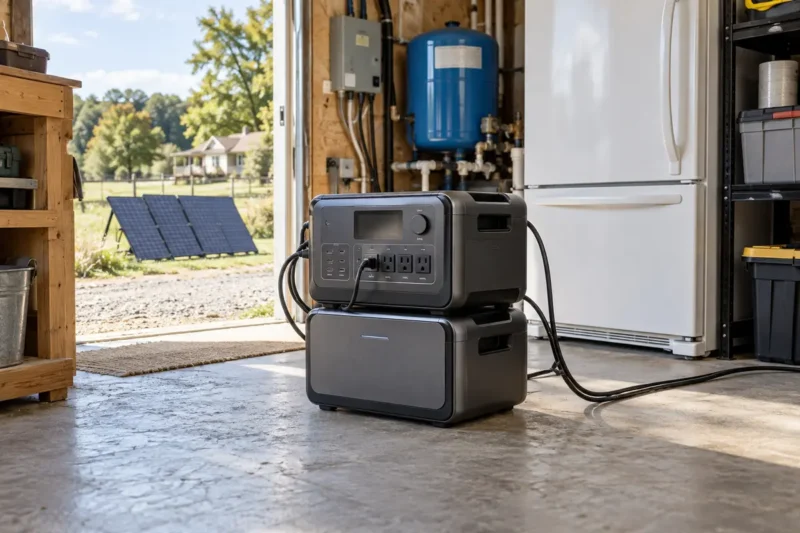
A roughly 500Wh station is a reasonable class to investigate for that example, provided it has the needed ports and output. This is a planning example, not a runtime guarantee. A refrigerator needs its measured daily energy use and startup demand checked separately because the compressor cycles.
Why doesn’t nameplate Wh equal usable AC energy?
A power station stores DC energy, then converts it to AC for ordinary wall plugs. Inverter overhead, battery operating limits, cable losses, and conditions reduce energy delivered to an AC appliance. USB or DC devices may avoid some conversion losses, but the exact difference depends on the station and load.
For a constant load, ideal runtime in hours = battery Wh ÷ load W. A 1,024Wh station divided by a steady 100W load gives 10.24 hours on paper. Real AC runtime is shorter, so use that number as an upper-bound starting point and verify with the product’s own guidance and a test.
Does a larger solar panel replace a larger battery?
No. The panel determines how quickly you may replenish energy in sunlight; the battery stores energy for later. A panel’s rated watts come from test conditions, while real output changes with shade, season, angle, temperature, and weather. The U.S. Department of Energy notes that real operating conditions often differ from panel test conditions.
Check the station’s solar input voltage, current, connector, and maximum input watts before buying a panel. More nominal panel watts do not bypass those limits. If you need a fridge or communications through several cloudy days, plan both a suitable reserve and a realistic recharge option.
Which capacity class should you start with?
| Typical job | Class to investigate | Main check |
|---|---|---|
| Phone and USB lantern | USB bank | Usable Wh, ports, and panel compatibility |
| Lights, laptop, small camp loads | About 500Wh station | Daily Wh and AC output if needed |
| More devices or modest outage essentials | About 1,000Wh station | Measured loads and recharge time |
| Selected appliances over longer periods | About 2,000Wh or more | Daily appliance energy, surge, and weight |
These are starting classes, not universal recommendations. If everything charges by USB, an AC power station may add cost and weight you do not need. If you want to run a large heating load or whole-home circuits, a small portable station is the wrong category.
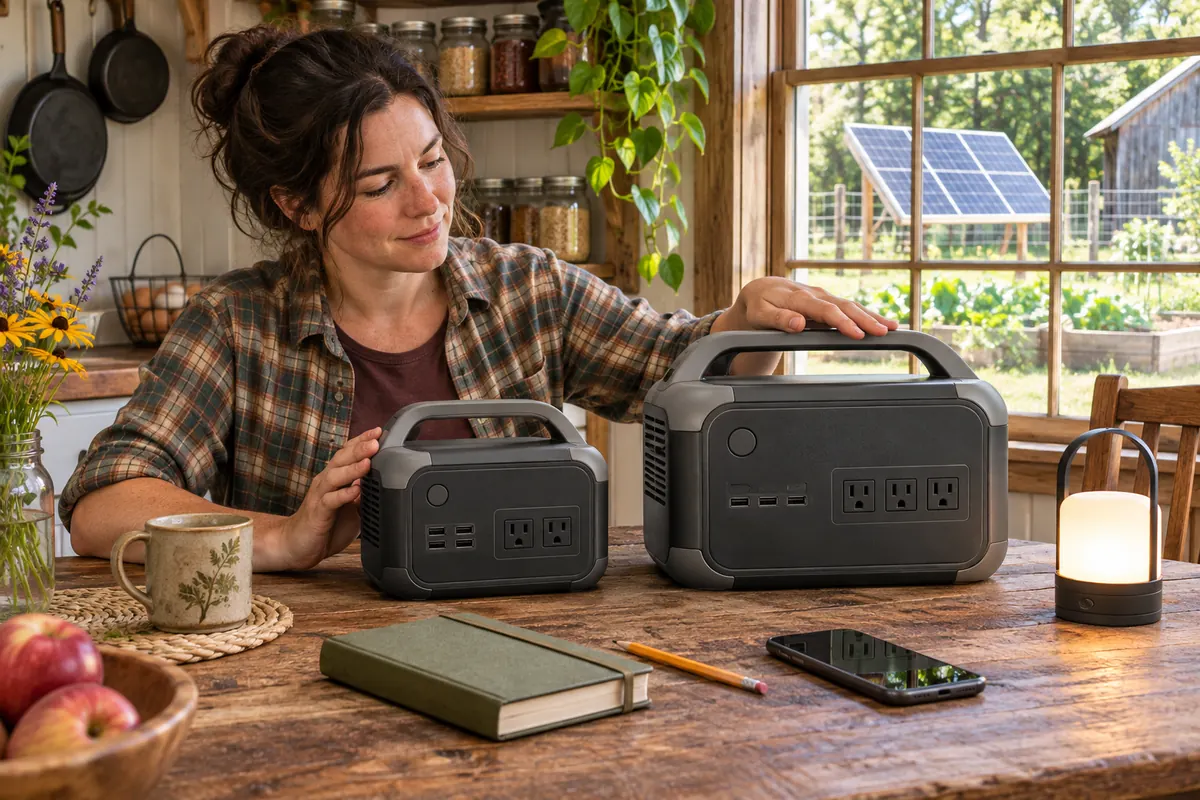
Our solar charger battery bank comparison walks through 504Wh, 1,024Wh, and 2,048Wh product examples. Use your own Wh total and output requirement to decide which listing deserves a closer look.
Disclosure: The ShopSolar link below is an affiliate link. We may earn a commission if you buy through it, at no extra cost to you. We have not hands-on tested every station or panel bundle discussed here.
Compare current ShopSolar power station kits